Use case · code reviews
Code reviews that
don't need a meeting
The diff shows what changed. A 3-minute walkthrough shows why. Record it once, share the link in the PR, and let reviewers watch when it suits them.
The problem
Intent doesn't survive the diff.
Reviewers spend most of their effort reconstructing what the author already knows: why this approach, what was tried and rejected, which parts deserve scrutiny. When that context is missing, reviews go shallow — or stall into a scheduled call that five people attend so two can talk.
An async walkthrough fixes the economics. The author explains the change once, on their own time; every reviewer gets the full context, on theirs. With Qumra the video uploads while you record it, so adding a walkthrough to a PR costs the length of the walkthrough — nothing more.
Why Qumra
Made for review threads, not just recordings.
Link ready at stop
Uploading happens while you record. Paste the link into the PR before the CI run finishes.
Timestamped review comments
Reviewers comment at the exact moment in the walkthrough, with threaded replies for the back-and-forth.
Automatic transcript
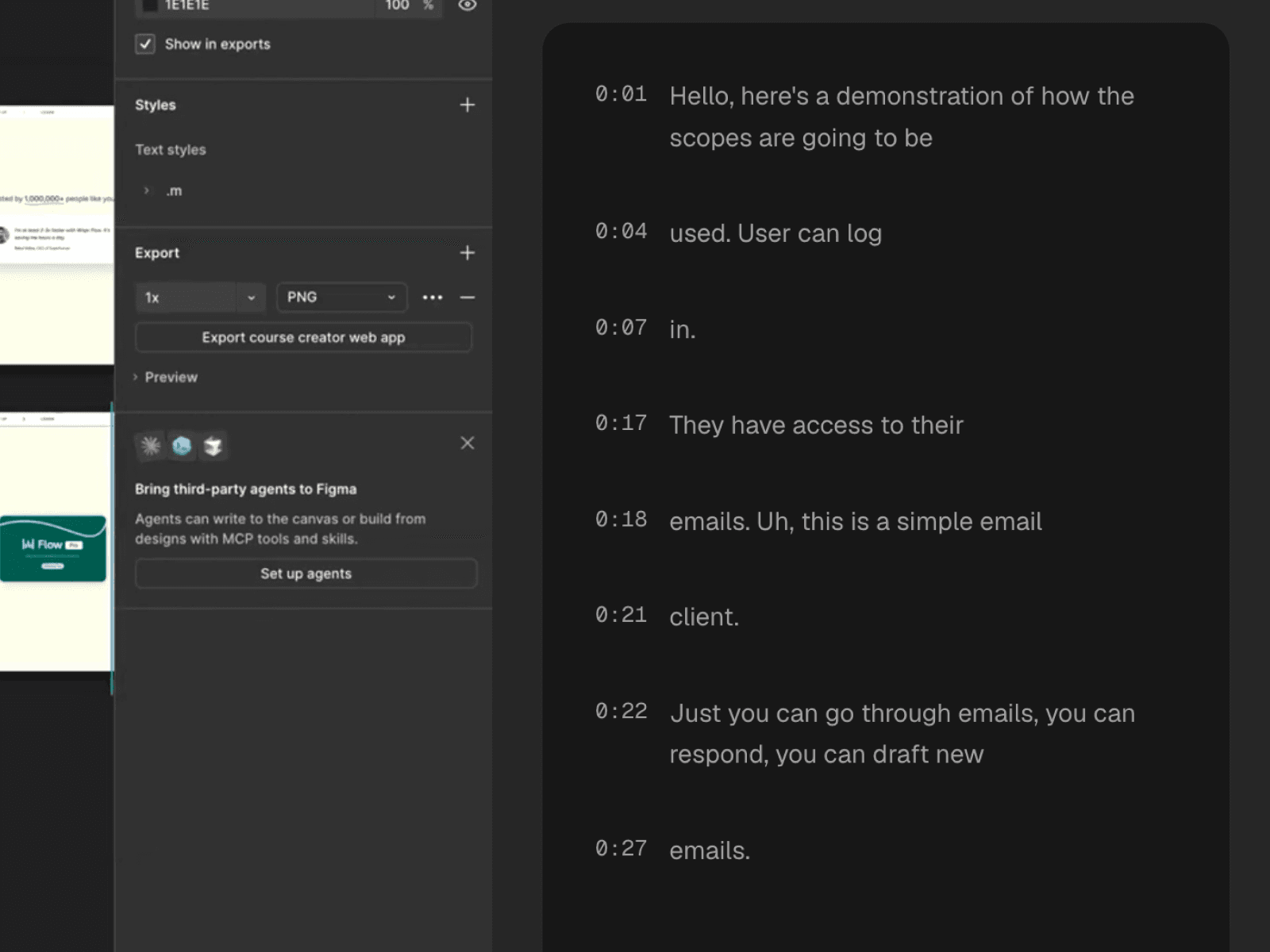
Every walkthrough is transcribed — skim it as text, search it later, quote it in the PR.
Full screen or one window
Move between editor, terminal, and browser, or scope the recording to a single window.
No account to watch
Share links play in any browser. Only the person recording needs Qumra installed.
Edit before you share
Trim the false start on the timeline, or delete sentences from the transcript and the footage goes with them.
How it works
Add a walkthrough to your next PR.
Record the walkthrough
Open the diff, hit record, and narrate the change — intent, trade-offs, and where you want sharp eyes.
Link it in the PR
Stop recording and paste the ready link into the PR description next to the summary.
Review async
Reviewers watch on their own schedule and pin questions to timestamps. No call required.
FAQ
Frequently asked questions
How does a video code review work?
The author records a short walkthrough of the pull request — the intent, the tricky parts, the trade-offs — and pastes the link into the PR description. Reviewers watch at their own pace and leave comments at exact timestamps, alongside their usual line comments.
Do reviewers need a Qumra account?
No. Share links open in any web browser without an account or install, so the whole team can watch a walkthrough even if only the author records.
Isn't a video slower than reading the diff?
Video complements the diff, it doesn't replace it. A 3-minute walkthrough of why the change looks the way it does saves reviewers from reconstructing intent line by line — and every Qumra recording is transcribed, so it's skimmable as text too.
Can I record my editor and terminal together?
Yes. Record full screen to move freely between your editor, terminal, and browser, or capture a single window if the review only concerns one surface.
What happens to the discussion afterwards?
Comments stay attached to their timestamps on the recording, so decisions and their reasoning stay findable later — including through the searchable transcript.
Keep exploring