Screen recorder for Windows
A Windows screen recorder
built around the share link
Most recorders on Windows hand you a video file and leave the sharing to you. Qumra uploads while you record, so the link is ready the moment you stop.
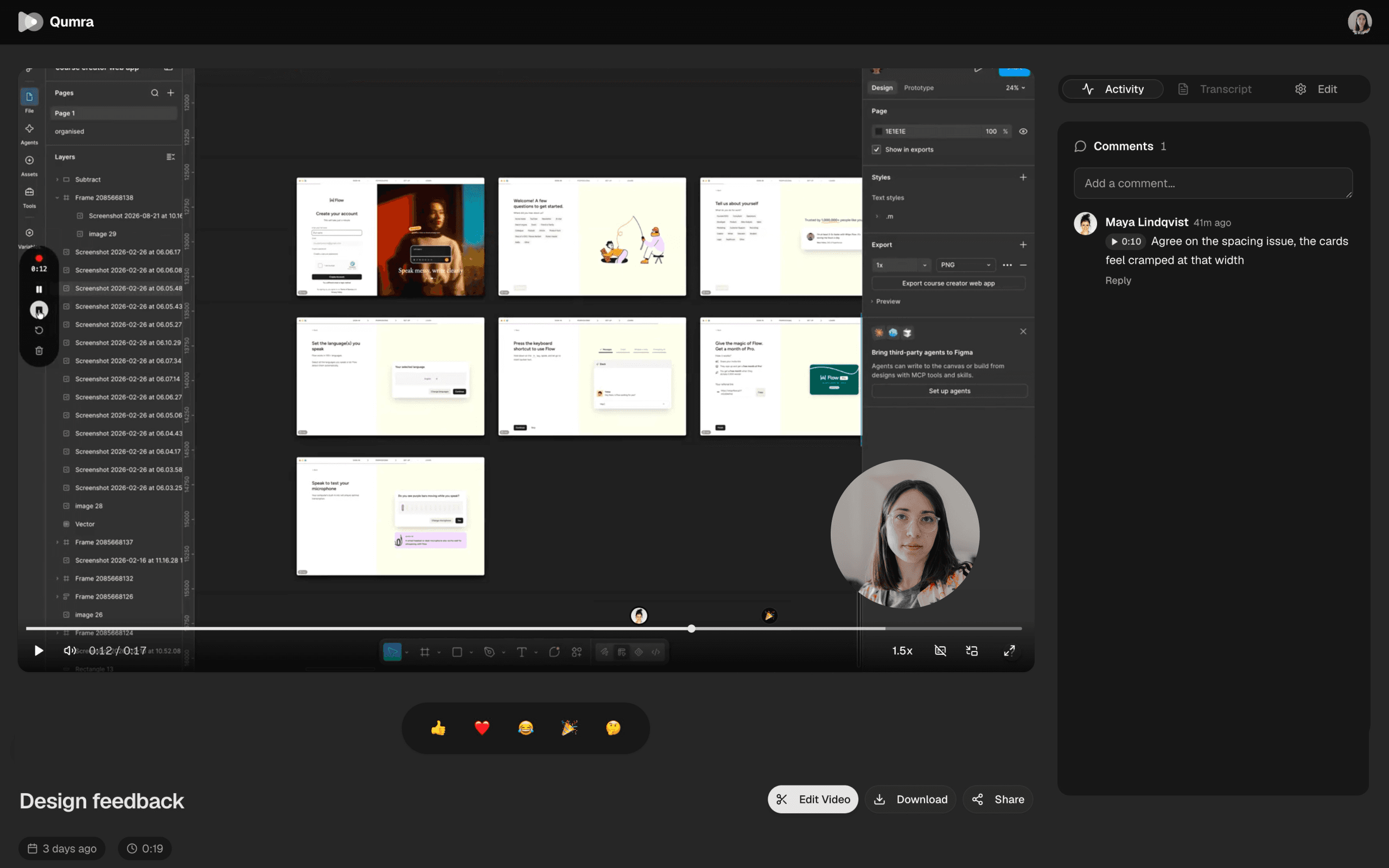
Why Qumra on Windows
Made for sharing, not just capturing.
Native Windows app
A desktop app for Windows 10 and 11, installed from a standard .exe with automatic updates — not a browser extension.
System audio included
Record the sound your PC is playing alongside your microphone, so demos and walkthroughs come through with audio intact.
A link, not an attachment
No exporting, no dragging files into chat. Stop recording and paste a link that streams in any browser.
How it works
Record, share, move on.
Record
Capture your full screen, a single window, or a region — with your camera and system audio when you want them.
Share
Uploading happens while you record. The moment you stop, your link is ready to paste anywhere.
Discuss
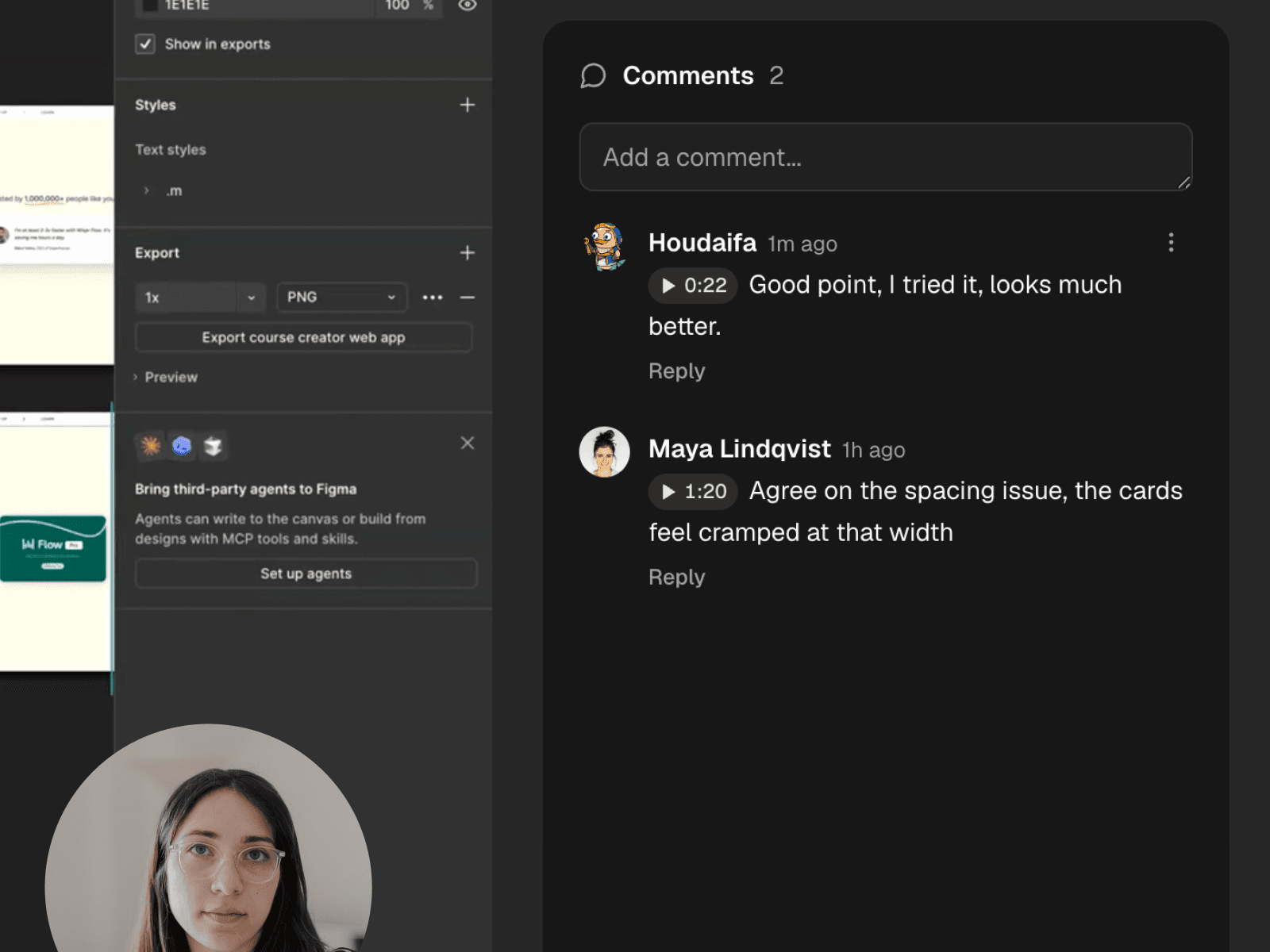
Viewers watch in the browser and comment at exact timestamps — no account, no install.
Collaborate
Feedback that points at the moment.
Comments attach to timestamps, turning a recording into a threaded conversation. The discussion lives exactly where it happened.
Edit
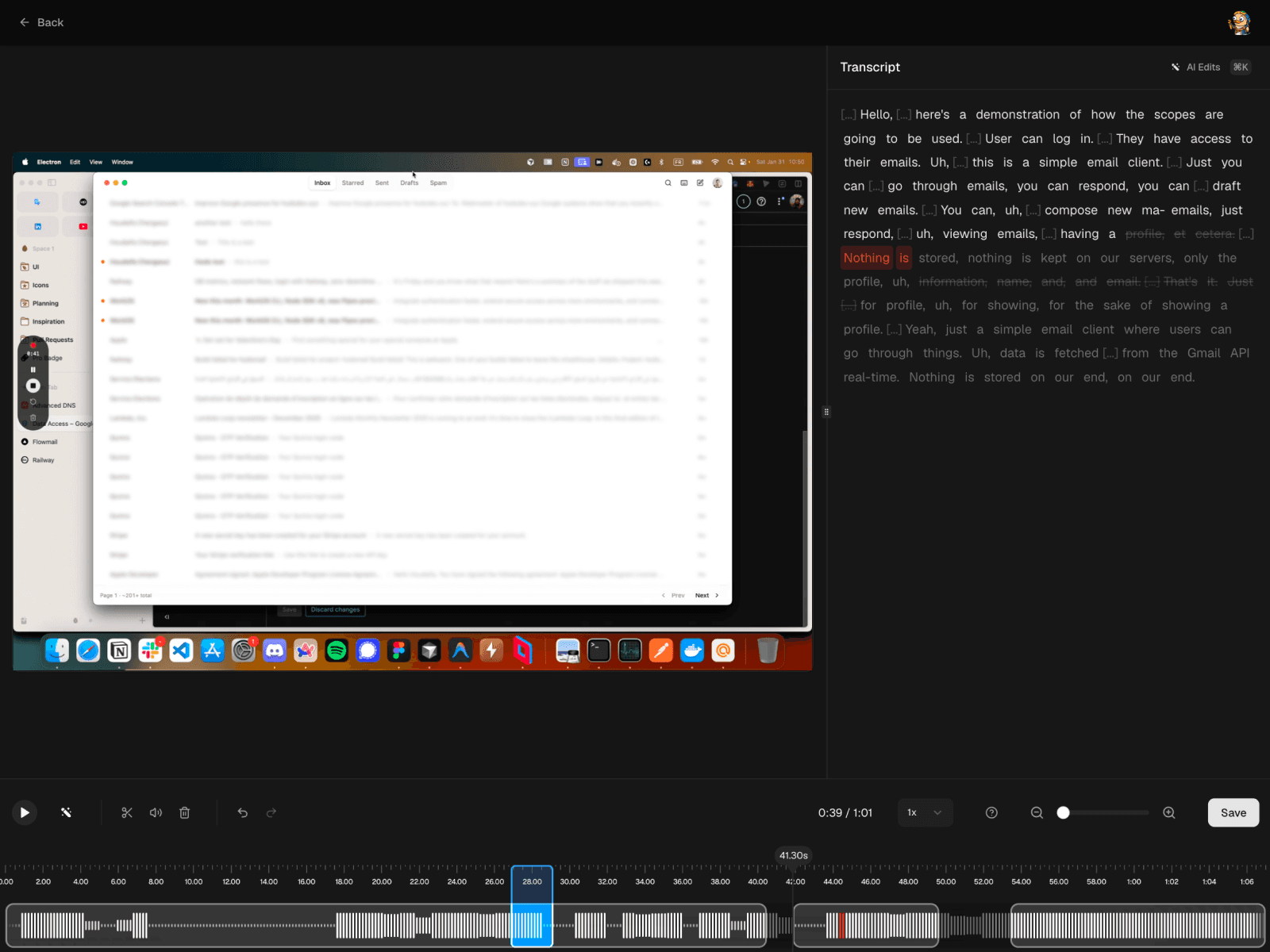
Cut it yourself, or just ask.
Trim on the timeline when you want control, or let AI strip the filler words. Edits work on the transcript, so deleting a sentence deletes the footage.
FAQ
Frequently asked questions
Which versions of Windows does Qumra support?
Qumra runs on Windows 10 and Windows 11 (x64). It installs from a standard .exe and keeps itself up to date automatically.
Does Qumra capture system audio on Windows?
Yes. Qumra records the audio your PC is playing alongside your microphone, so demos with sound — a video call, an app, a browser tab — come through in the recording.
Is Qumra free on Windows?
Yes. The free plan includes up to 30 recordings of 5 minutes each with instant share links and timestamped comments. Premium is $14.99 per month with unlimited recordings and length, full AI transcription, and the video editor — with a 7-day free trial.
Can I record a single window or a region of the screen?
Yes. Capture your full screen, one window, or a region you draw — and switch sources without stopping the recording. Your camera can join as picture-in-picture.
How do people watch my recordings?
Uploading happens while you record, so the share link is ready the moment you stop. Viewers open it in any browser — no account or install — and the video streams from a global CDN with adaptive quality.
Keep exploring