Feature · instant sharing
The upload happens
while you're still talking
Most tools record first and upload after — and the upload is where sharing goes to die. Qumra streams the recording to the cloud as you make it, so stopping is the last step.
Why it matters
Sharing friction kills async video.
The value of a screen recording is inversely proportional to the effort it takes to share. Every step between “stop recording” and “teammate is watching” — waiting on an export, watching an upload bar, generating a link — is a step where the message doesn't get sent.
Qumra removes the wait by doing the upload during the recording itself. The moment you stop, the link exists, the video streams, and your part is done. Sharing a five-minute recording takes five minutes, not five minutes plus an upload.
Details
From stop to watched, nothing in between.
Chunked upload
The recording streams to the cloud as it's captured — no export step, no upload bar at the end.
Global CDN playback
Adaptive bitrate streaming means viewers anywhere get smooth playback matched to their connection.
Previews that travel
Automatic thumbnails and GIF previews make the link look like a video, not a URL — in Slack, email, or a ticket.
How it works
Three steps, and two of them are yours.
Record
Screen, camera, or both. The upload starts the moment you do.
Stop
The share link is live immediately — paste it into chat, a ticket, or an email.
They watch
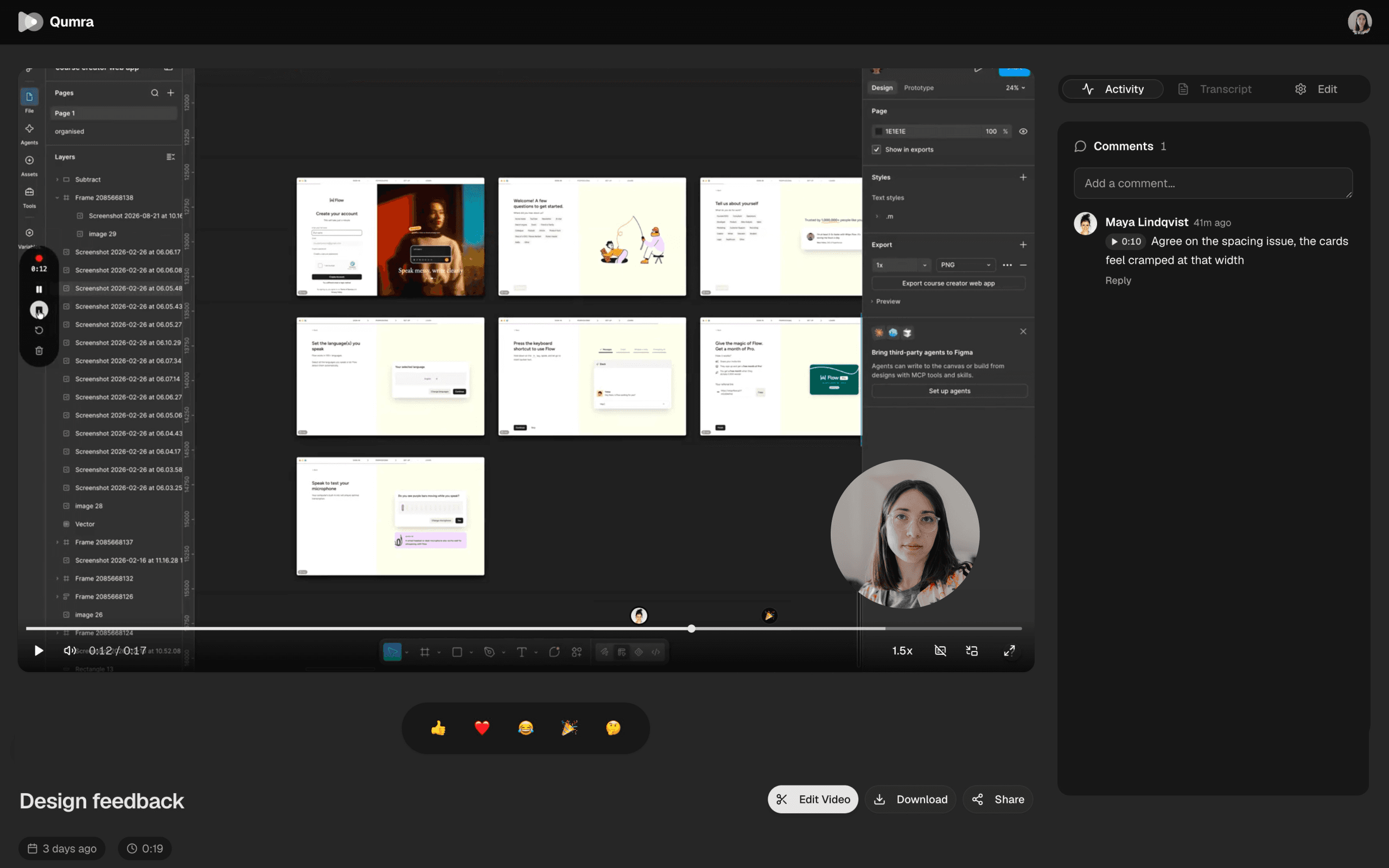
Any browser, any device, no account. Comments come back pinned to timestamps.
FAQ
Frequently asked questions
How is the link ready immediately?
Qumra uploads in chunks while you record, instead of saving a file and uploading it afterwards. By the time you press stop, the video is already in the cloud and the link works.
Do viewers need an account or an app?
No. The share link opens in any web browser on any device. Viewers can watch and leave timestamped comments without signing up or installing anything.
How does playback quality work?
Videos stream from a global CDN with adaptive bitrate, so playback adjusts to each viewer's connection instead of buffering.
What does the link look like when I paste it?
Recordings get an automatic thumbnail and an animated GIF preview, so a pasted link shows a real glimpse of the video — including in email and Slack — instead of a bare URL.
Is instant sharing part of the free plan?
Yes. Instant share links are included on the free plan, which covers up to 30 recordings of 5 minutes each with timestamped comments.
Keep exploring