Use case · bug reports
Bug reports your team
can actually reproduce
A written bug report loses the details. A recording keeps them all: the exact clicks, the state of the UI, and your narration of what should have happened.
The problem
“Cannot reproduce” is expensive.
Most bug reports die in the gap between what the reporter saw and what the developer can reproduce. Steps get abbreviated, environment details go missing, and the ticket bounces back and forth for days before anyone looks at the actual bug.
A screen recording closes that gap. The developer sees the exact sequence of clicks, the real data on screen, and hears what you expected to happen — in less time than it takes to write the steps out. With Qumra, the recording uploads while you make it, so filing the report is: record, stop, paste the link in the ticket.
Why Qumra
Built for the report-and-move-on workflow.
Instant link for the ticket
Uploading happens during recording. Stop, copy, paste into GitHub, Jira, Linear — done.
Region and window capture
Record just the broken UI. No need to clean up your desktop or hide other work first.
System audio included
If the bug makes a sound — or happens during a call — the recording catches it.
Timestamped follow-ups
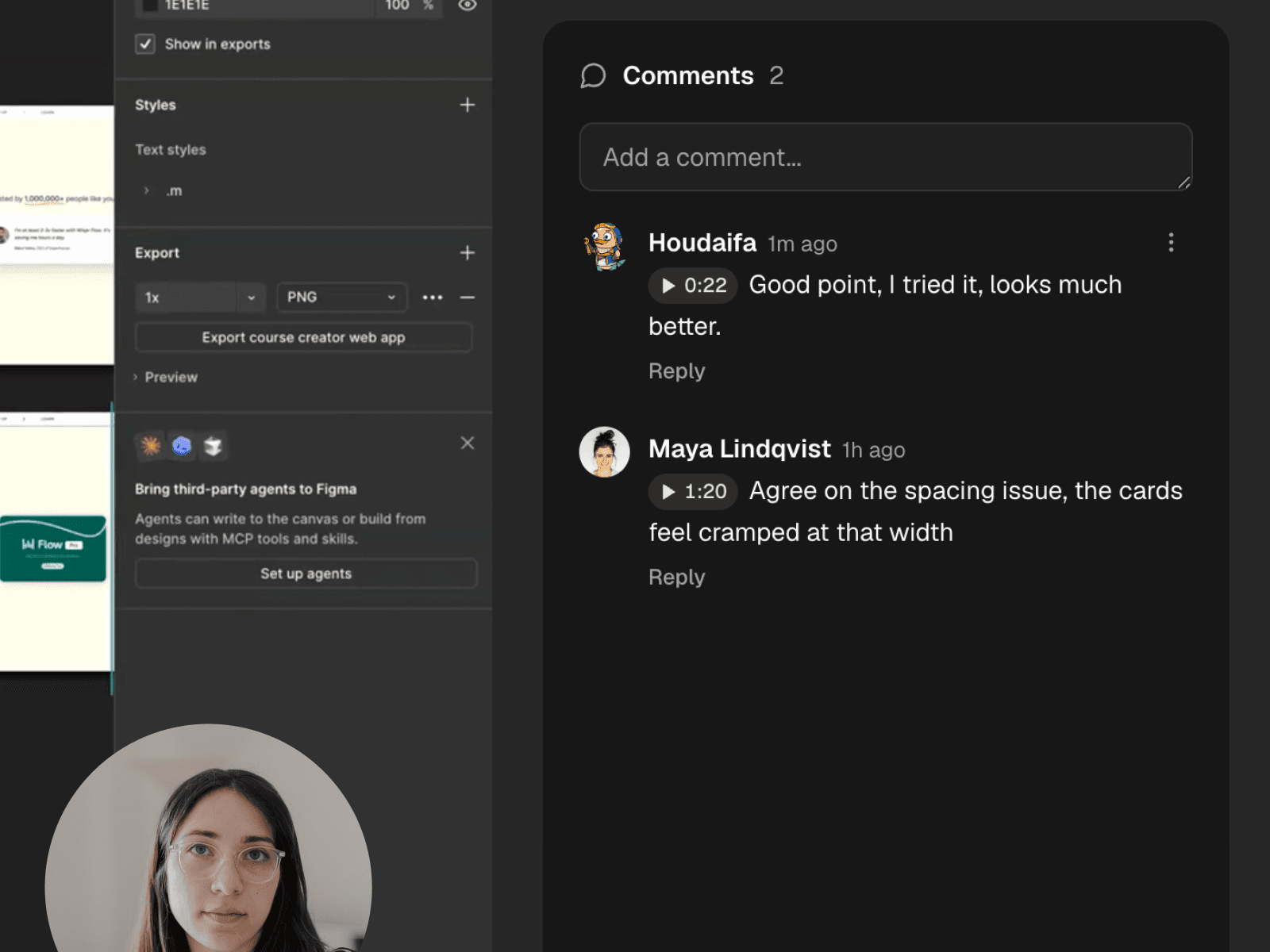
Developers ask questions at the exact moment in the video, and answers land in the same thread.
Automatic transcript
Your narration becomes searchable text, so the bug is findable later — even from a vague memory.
Watchable anywhere
Share links open in any browser with adaptive streaming. No downloads to pass around.
How it works
File a video bug report in under a minute.
Record the repro
Hit record, walk through the steps that trigger the bug, and say what you expected instead.
Paste the link
Stop recording — the link is already live. Drop it into the issue alongside your environment details.
Answer at the timestamp
When questions come in, they're pinned to the exact moment. Reply once, in context.
FAQ
Frequently asked questions
Can developers watch a bug report without installing anything?
Yes. Every recording gets a share link that opens in any web browser — no account or install needed. Paste it into the issue and anyone on the team can watch.
How long can a bug report recording be?
On the free plan, recordings are up to 5 minutes — usually plenty for a repro. Premium removes the length limit for longer investigations.
Can I record just the app window with the bug?
Yes. Qumra records full screen, a single window, or a region you draw, so you can capture the broken UI without sharing everything else on your desktop.
Does the recording capture error sounds or in-app audio?
Yes. Qumra records system audio alongside your microphone, so anything the app plays is in the recording too.
How do follow-up questions work?
Viewers leave comments at exact timestamps. When a developer asks “what happened here?”, the question is attached to the precise moment — no scrubbing, no guessing.
Keep exploring