Screen recorder for Mac
A Mac screen recorder
that skips the upload step
Recording a video is the easy part — getting it in front of someone is the chore. Qumra uploads while you record, so on a Mac your share link is ready the moment you stop.
Why Qumra on Mac
Made for the way you already work.
Native on Apple Silicon
Separate builds for M-series and Intel Macs, installed from a standard .dmg — no emulation layer, no browser extension.
System audio, no drivers
Capture the sound your Mac is playing alongside your microphone, without installing a virtual audio device first.
A link, not a file
Instead of a video file sitting on your desktop waiting to be uploaded somewhere, you get a share link the moment you stop.
How it works
Record, share, move on.
Record
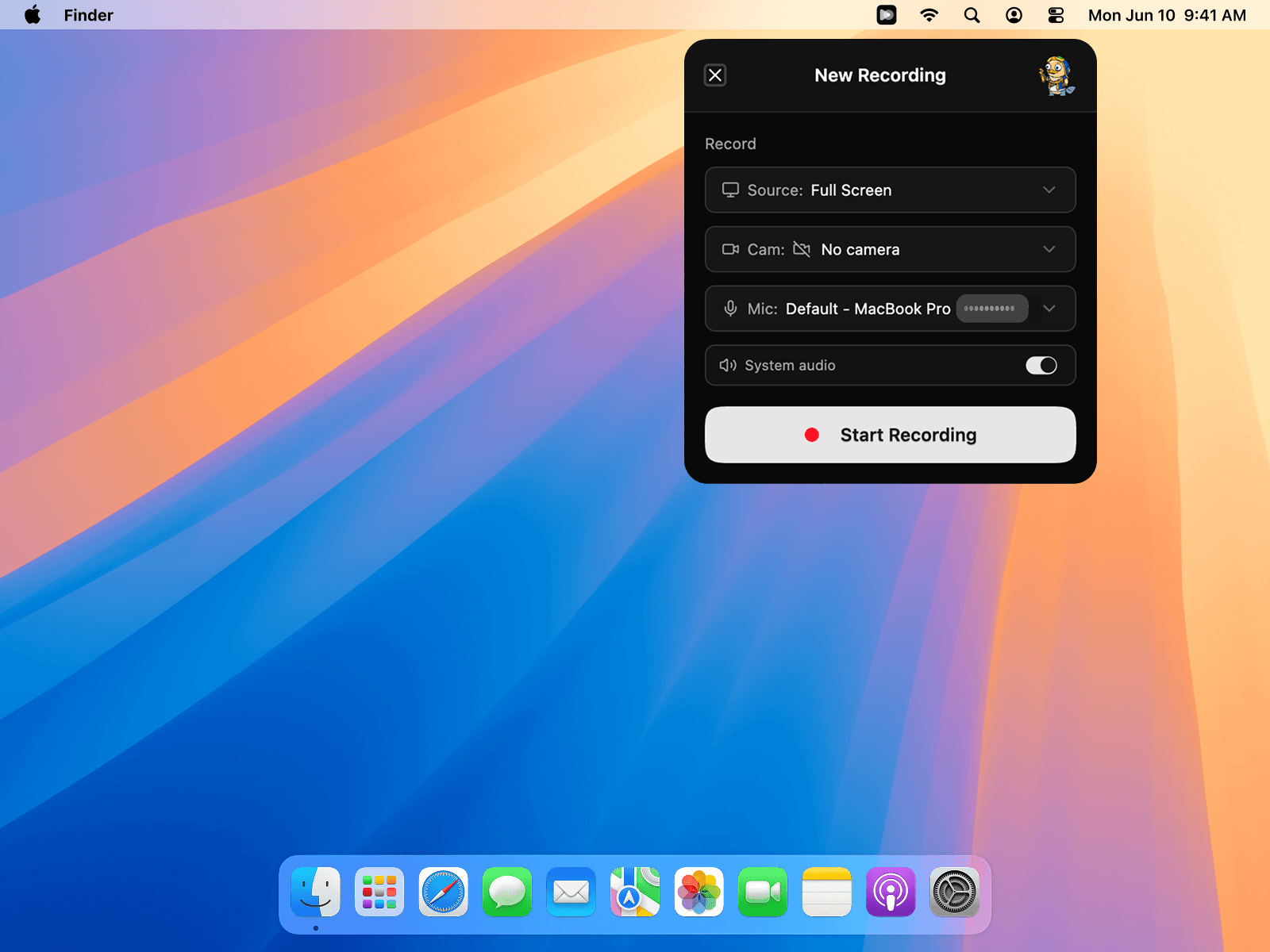
Capture your full screen, a single window, or a region — with your camera and system audio when you want them.
Share
Uploading happens while you record. Stop, and the link is on your clipboard-ready share page.
Discuss
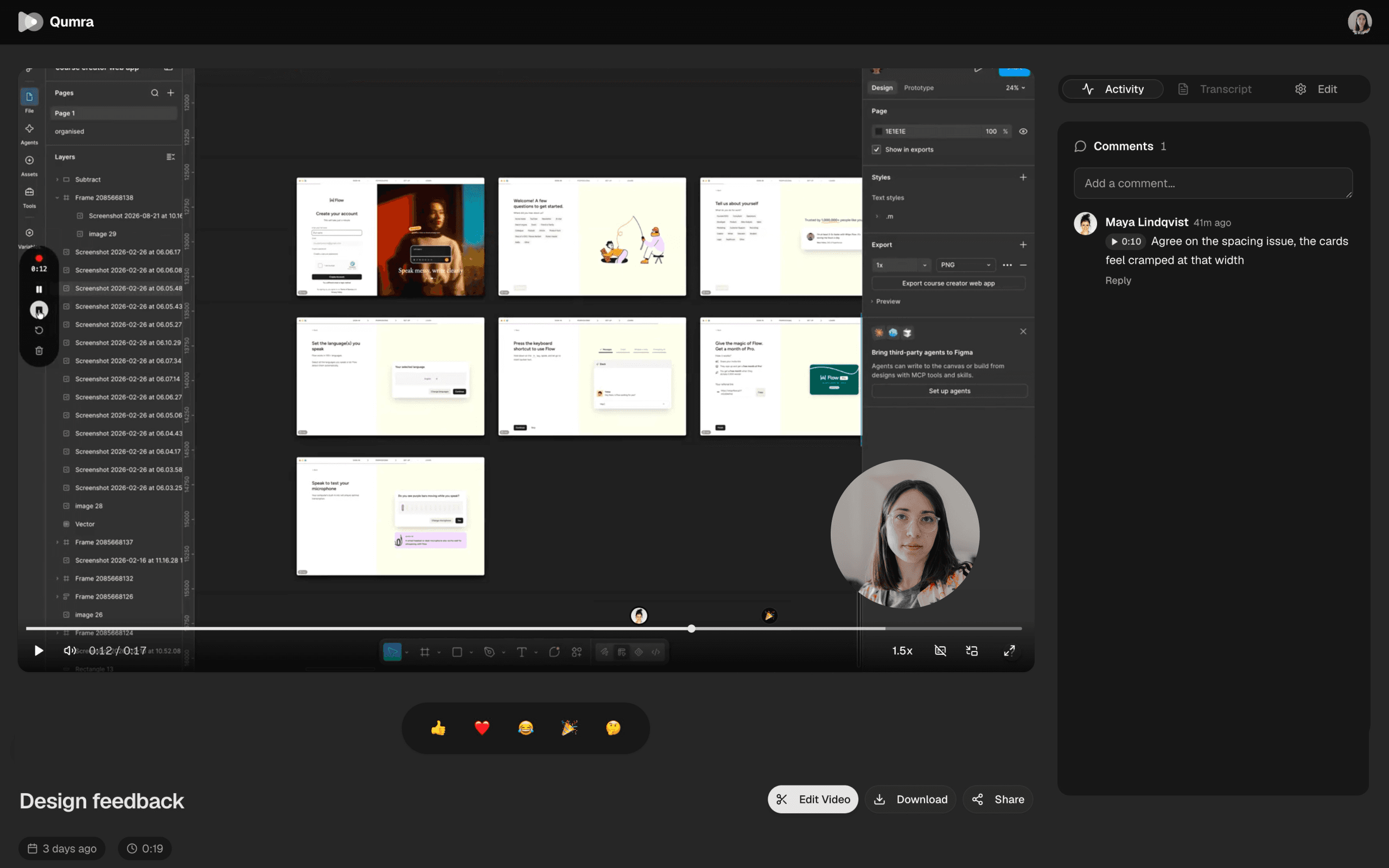
Viewers watch in the browser and comment at exact timestamps — no account, no install.
Capture
Record exactly what matters.
Full screen, a single window, or a region — switch sources without stopping the recording. Add your camera as picture-in-picture when a face helps.
Search
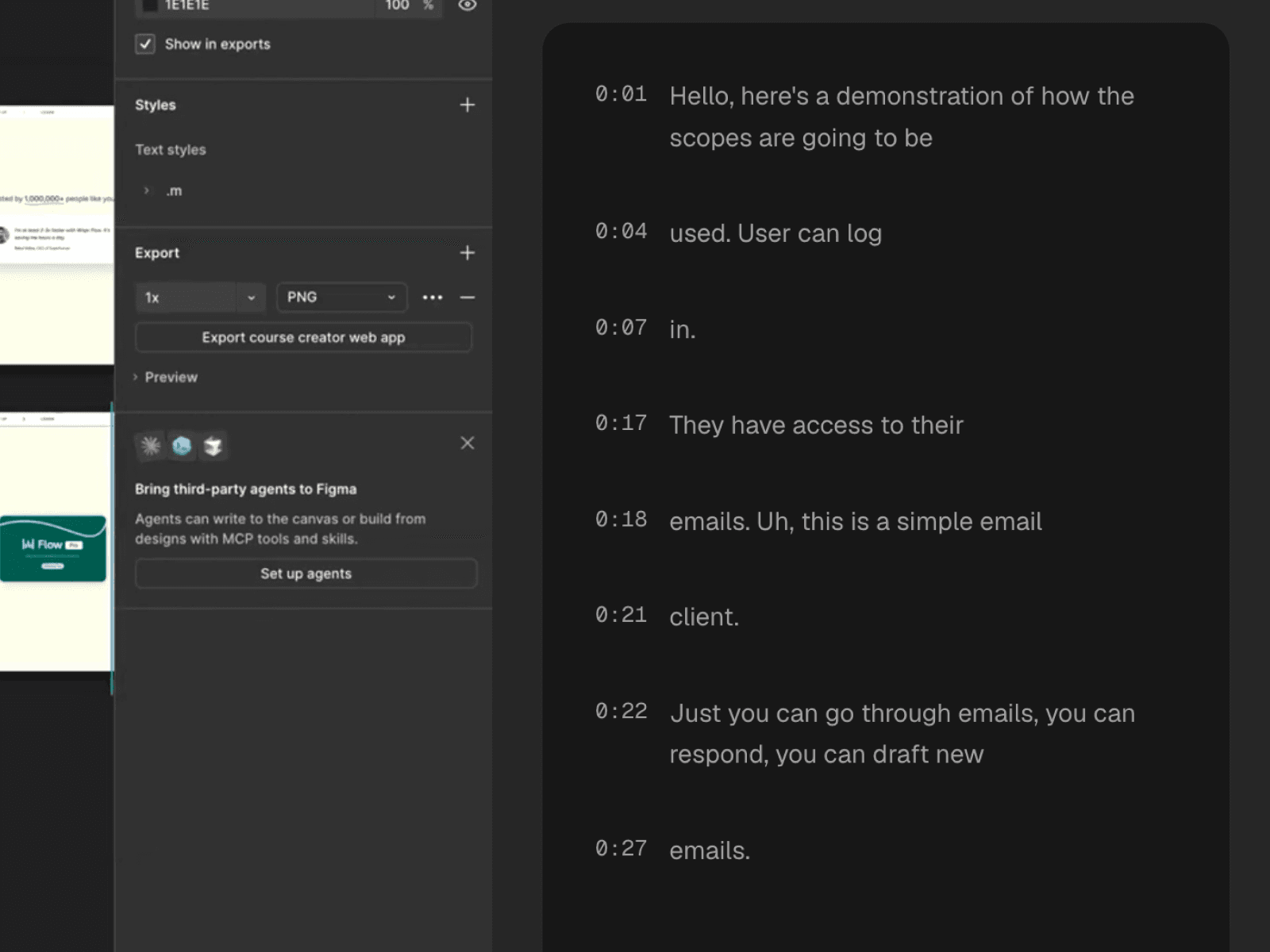
Every word, written down.
Recordings are transcribed automatically, so your library is searchable and every video is skimmable. Jump to the sentence instead of scrubbing the timeline.
FAQ
Frequently asked questions
Does Qumra run natively on Apple Silicon?
Yes. Qumra ships separate builds for Apple Silicon (M-series) and Intel Macs, both as a standard .dmg from the download page, so you always run the native version for your machine.
Can Qumra record system audio on a Mac?
Yes. Qumra captures system audio alongside your microphone, so a demo with sound — a video call, a browser tab, an app — comes through in the recording without installing a virtual audio driver.
Is Qumra free on Mac?
Yes. The free plan includes up to 30 recordings of 5 minutes each with instant share links and timestamped comments. Premium is $14.99 per month with unlimited recordings and length, full AI transcription, and the video editor — with a 7-day free trial.
What macOS permissions does Qumra need?
macOS asks you to grant screen recording permission the first time you record — a one-time step in System Settings. Microphone and camera permissions are only requested if you actually use those sources.
Where are my recordings stored?
Recordings upload to the cloud while you record, so nothing piles up on your disk. When you stop, you get a share link; viewers stream the video in any browser from a global CDN — no account or install required.
Keep exploring